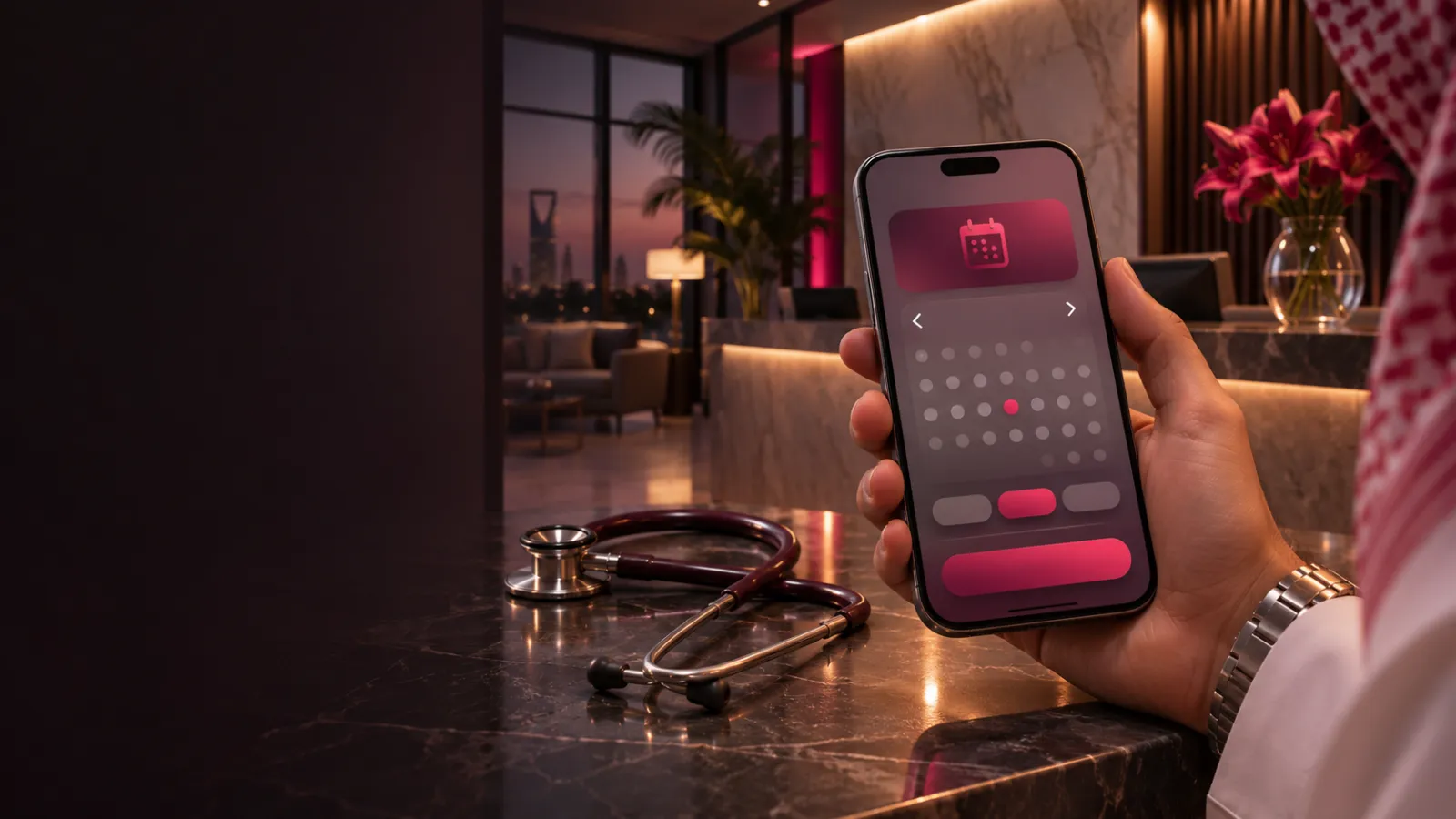
- A patient needs three quick answers: do you treat my condition, who is the doctor, and how do I book?
- A page for every doctor and every specialty brings most search traffic.
- Booking should take one tap: WhatsApp, a short form or a booking system.
- Local SEO and a Google Business Profile are the foundation for attracting nearby patients.
- Handle health data carefully and comply with local regulations.
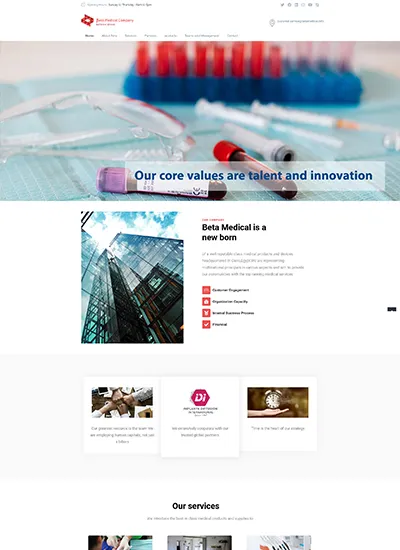
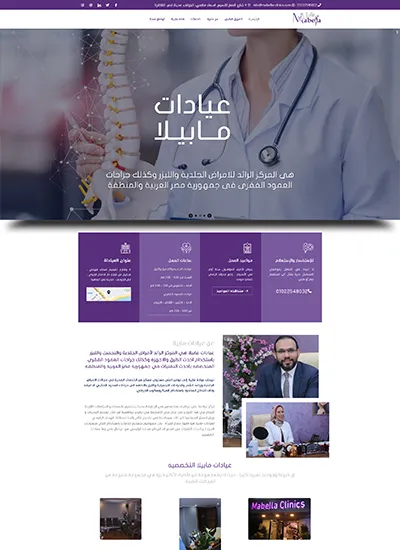
When someone searches for “dermatology clinic near me” or “best dentist in Jeddah”, they are usually on their phone, sometimes in pain or worried. They have seconds to decide: call you, or move on to the next result? We have designed websites for medical organisations such as Mabella Specialized Clinics and Beta Medical Supplies, and these are the principles we rely on.
The patient’s journey on the website
- Search: for a symptom, a specialty or a doctor’s name.
- Evaluation: is the clinic nearby? Is the doctor qualified? What are the reviews?
- Decision: is booking easy? What’s the price? Do they accept my insurance?
- Booking: a call, WhatsApp or online booking.
Every section of the site should serve one of these stages.
The core pages of a clinic website
Specialties and services
A page for each specialty or main service (orthodontics, laser, dermatology…): what it is, who it suits, how it’s done, how long it takes, frequent questions and the specialist doctors.
Doctors
A page for each doctor: a real photo, qualifications, sub-specialty, years of experience, languages, days available and a button to book with them directly. These pages appear when people search for the doctor’s name, and they build a lot of trust.
Booking
A sticky booking button on every page on mobile, and a short form (name, mobile, specialty, preferred time) or a booking system linked to schedules.
Insurance and prices
Accepted insurance companies, and price ranges where possible.
Location and opening hours
A Google map, the detailed address, parking and opening hours for each branch.
Trust on medical websites (E-E-A-T)
Google applies higher standards to health content: experience, expertise and trustworthiness. So:
- Name the doctor who wrote or reviewed each article.
- Show licences and accreditations.
- Avoid exaggerated treatment promises and misleading “before and after” photos.
- Update medical content regularly.
Local SEO for clinics
Most patients choose what’s nearby. Activate and update your Google Business Profile with photos and opening hours, ask satisfied patients for reviews, and add MedicalClinic structured data. Read our local SEO guide.
Privacy and health data
Don’t ask for unnecessary sensitive medical information in the booking form, use a secure connection (HTTPS), and explain in your privacy policy how data is used. Read about protecting your website.
The right visual design
| Clinic type | Desired feeling | Suggestions |
|---|---|---|
| Aesthetics and dermatology | Luxury and care | Calm colours, high-quality photos, white space |
| Paediatrics | Warmth and safety | Moderately cheerful colours, friendly illustrations |
| Dental | Cleanliness and professionalism | Calm blue/green, photos of the team and equipment |
| Multi-specialty centre | Clarity and organisation | Clear navigation between specialties and branches |
Online booking: the heart of a clinic website
What a clinic website visitor looks for most is the ability to book, and every extra step between deciding to book and confirming it loses a share of potential patients. Good booking starts from any doctor or specialty page with a clear button, shows genuinely available times rather than a generic form waiting for a call, asks for the minimum data (name, mobile, perhaps the reason for the visit), and confirms the appointment immediately by SMS or WhatsApp, with a reminder before the appointment. If connecting to the appointment system isn’t possible at first, a short appointment request form with a confirmation call within an hour is acceptable — as long as the call-back time is honoured.
Think about special cases: booking for someone else (a child or a parent), cancelling or changing the appointment easily, and a remote consultation option if the clinic offers one. Each of these reduces phone calls and improves the patient experience.
The doctor page: the most important page on the site
Patients usually choose the doctor before the clinic. A good doctor page contains a real professional photo, the name and exact specialty, qualifications, certificates and fellowships, years of experience, languages spoken, the conditions and procedures treated, the days they are available and a direct booking button. If possible, add a short, human note about their approach to patients. These pages are also among the strongest SEO pages, because many people search for a doctor’s name or specialty in their city.
Medical content: value and responsibility
Medical awareness articles attract many visitors from search, but they carry great responsibility. Make sure they are written or reviewed by a specialist whose name and specialty are stated, with publication and review dates, reliable sources, and a note that the content is for awareness and does not replace a consultation. Google applies strict standards to health content when evaluating expertise and trustworthiness, and accurate, reviewed content builds patients’ trust and improves visibility at the same time. Avoid any absolute treatment promises, or before-and-after photos that break the rules governing health advertising.
The clinic on Google Maps
A large share of patients find a clinic by searching “dental clinic near me” or “dermatologist in [district]”. A complete Google Business Profile with photos, hours, specialties and reviews is one of the most important sources of bookings, and the clinic’s name, address and phone number there must match the website exactly. Encourage satisfied patients to leave reviews, and reply to every review respectfully without revealing any health information. Read local SEO.
Common mistakes on clinic websites
- A phone number only, with no online booking or WhatsApp.
- Doctor photos taken from stock photo sites.
- No prices or price ranges for common services, so everyone calls to ask.
- Medical content copied from other sites without review.
- Forms that collect health data without a secure connection or a privacy policy.
- A site that is slow on mobile, even though most patients search from their phones.
The patient experience after the visit
A patient’s relationship with the clinic doesn’t end when they leave. The website and messages can complete the experience: a thank-you message after the visit with a link to aftercare instructions, a reminder for the follow-up appointment, a polite invitation to leave a review, and awareness articles related to their condition. These touches build loyalty that brings the patient back and makes them recommend the clinic to their family. Make sure all these messages respect privacy and never mention health details in messages others might see.
A clinic with several branches
If the medical centre has more than one branch, create a page for each branch with its address, map, opening hours, doctors and services, and a separate Google Business Profile for each branch. Let booking start by choosing the branch or the specialty, whichever suits the patient. This structure helps local SEO in every district and city and cuts the calls asking “is the doctor at your branch?”.
Website or app: does the clinic need an app?
Large medical centres with many returning patients may benefit from a mobile app for booking, reminders and lab results. But most clinics start with a fast website with excellent online booking and WhatsApp integration, and that covers most patients’ needs. Evaluate the number of returning patients and the nature of the services before investing in an app. Read app or website?
Whatever you decide, remember that trust is the core currency in healthcare: real photos, doctors named with their qualifications, accurate content, respected privacy and a booking experience that doesn’t frustrate the patient. A site that delivers these works like a receptionist who never sleeps, takes pressure off the phone, and lets the patient arrive at the clinic reassured before meeting the doctor.
A quick checklist for your clinic website
- A visible booking button on every page, and a working WhatsApp link.
- A page for every doctor with a real photo and qualifications.
- A page for every main service with its frequent questions.
- Address, map and opening hours up to date and matching Google.
- A privacy policy and a secure connection.
The bottom line
A successful clinic website shortens the anxious patient’s decision journey: understand, trust, book. If you run a clinic or a medical centre and want a website that fills your appointment book, explore our website design service or book a consultation.
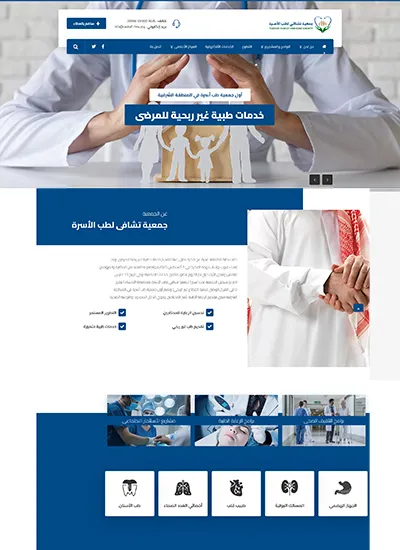
Real projects we delivered
FAQ
Do I need an online booking system?
For small clinics a WhatsApp button and an appointment request form are usually enough. For large centres, a booking system linked to doctors’ schedules reduces phone calls.
Should I publish consultation prices on the site?
Ideally publish them, or a price range, if possible. It is one of the most common questions and reduces repeated enquiries.
What medical content suits the blog?
Accurate awareness articles written or reviewed by a specialist doctor, naming them, and avoiding treatment promises.
Sources

Written from 20+ years designing websites and identities for clients in Saudi Arabia and Egypt — every tip here comes from real projects.
Want this applied to your project?
Book a free consultation — we will review your site or brand and propose a clear plan.
Book a free consultation