- Maintenance isn’t optional; operating systems and stores force periodic updates.
- Types of maintenance: corrective, adaptive, security and evolutionary.
- Continuous monitoring of crashes and performance catches problems before users do.
- A clear maintenance contract defines response time, scope and cost.
- Plan a yearly budget for maintenance and improvement from day one.
The team celebrates the app’s launch, then disperses. Six months later Apple releases a new version of iOS, and a button appears in the wrong place on one of the screens. A year later one of the map services changes how it works, and the location feature stops working. Then a message arrives from Google Play saying the app must target a newer version of Android or be restricted. Meanwhile one-star reviews pile up in the store: “The app won’t open.”
That’s the fate of every app without a maintenance plan. An app isn’t a building you hand over and leave; it’s a living product working in an environment that changes constantly. In this article we explain how we plan maintenance and continuous development in our mobile app service.
Why do apps need continuous maintenance?
| Reason | Examples |
|---|---|
| Operating-system updates | Yearly iOS and Android releases with changes to interfaces, permissions and behaviour |
| Store requirements | Targeting recent versions, new privacy disclosures, newer build tools |
| New devices | New screen sizes and shapes |
| Libraries and external services | New versions, old versions discontinued, API changes |
| Security vulnerabilities | Vulnerabilities discovered in libraries or systems you use |
| Bugs discovered | Cases that didn’t appear in testing show up with thousands of users |
| Usage growth | The server needs scaling and optimisation as users increase |
| User expectations | Features users ask for and see in other apps |
The four types of maintenance
1. Corrective maintenance
Fixing bugs that appear after launch. They should be classified by severity: a bug that blocks payment or login is critical and needs an immediate fix, while a text formatting error on a secondary screen can wait for the next update.
2. Adaptive maintenance
Updating the app to work with new OS versions, devices, libraries and store requirements. This maintenance is periodic and can be planned, because Apple and Google announce new versions and their requirements in advance.
3. Security maintenance
Updating libraries when vulnerabilities are found, updating servers and their operating systems, reviewing permissions, renewing certificates and running periodic security tests. Read app security and data protection.
4. Evolutionary maintenance (improvement)
Improving performance and experience and adding new features based on usage data and user feedback. This is what makes the app grow instead of standing still while competitors move ahead.
Monitoring: know the problem before the user does
| What you monitor | Tool or source |
|---|---|
| Crashes | Crash reporting tools such as Firebase Crashlytics, and both stores’ consoles |
| Performance | App launch time, slow screens, battery use |
| The server | Uptime, response time, errors, resource use. Read uptime monitoring |
| Usage | Analytics tools: the most used screens, where users stop |
| Ratings and reviews | Both stores, with alerts for low ratings |
| Support | User messages and support tickets |
Set up automatic alerts for spikes in crashes or server downtime, so you don’t learn about a problem from an angry review.
What should a maintenance contract include?
- Scope: which types of maintenance are included (corrective, adaptive, security), and whether new development is part of the contract or priced separately.
- Response time by severity: for example, hours for critical bugs and days for less important ones.
- Support hours and channels.
- Periodic updates: a commitment to update the app for new OS versions and store requirements.
- Server management: monitoring, backups and security updates. Read backup strategy.
- Reporting: a monthly report of crashes, fixes and performance.
- Ownership and access: the code in a repository in your name, and the store accounts and servers yours.
- Handover at the end of the contract: documentation and an organised handover if you decide to change provider.
The maintenance budget: how to plan it
A common rule of thumb in the software industry is to set aside a share of the original development cost each year for maintenance, varying with the app’s complexity and usage, plus server and external service costs and any development of new features. More important than the exact figure is that maintenance is a fixed budget line from day one, not a surprise after a year. Read app cost.
| Item | Nature |
|---|---|
| Maintenance contract | A fixed monthly or yearly fee |
| Servers and cloud services | Monthly, changing with usage |
| Developer accounts | Annual subscription for Apple |
| External services | SMS, maps, email, analytics, depending on volume |
| New development | According to the product plan |
The release cycle
Successful apps work to a regular rhythm: small, frequent updates carrying fixes and improvements, and bigger releases with new features at planned intervals. This rhythm is better than one huge update a year, because it reduces risk, shows users the app is alive, and allows fast learning. Use a staged rollout for each release to watch for crashes before it reaches everyone. Read publishing in the stores.
How do you choose what to develop next?
- Gather inputs: usage data, reviews, support messages and business goals.
- Evaluate each idea: how many users will it help? How much will it affect the business goal? What will it cost?
- Rank priorities, and plan only the next one or two releases in detail.
- After each release, measure its effect: did the feature achieve what you expected?
This is the same approach as the MVP, but as a continuous cycle.
Technical debt: the cost that doesn’t appear on the invoice
When the team is asked to add a feature quickly to meet a deadline, it may choose a shortcut that works now but isn’t ideal. That’s sometimes normal, but every shortcut accumulates as “technical debt”: code that is harder to understand and change, making every later feature slower and more error-prone. Over time an app can reach a point where adding anything becomes unreasonably expensive, and developers suggest rebuilding from scratch.
Prevention is simple: in every development cycle, set aside a small amount of time to improve existing code, update libraries and clean up what has accumulated — just as factories set aside time to maintain machines so production lines don’t stop. This time doesn’t add a feature users see today, but it’s what makes future features faster, cheaper and more stable. Ask your developer to tell you honestly when they take a shortcut, and to log it on a list to address later.
Signs your app needs urgent attention
- A sudden rise in crashes after an OS update.
- Consecutive low ratings pointing to the same problem.
- Messages from the stores about unmet requirements.
- Increasing server slowness as users grow.
- Libraries that haven’t been updated for more than a year.
- Nobody in the company knows how to access the code or servers.
Backups and an emergency plan
As well as updating the app, make sure server data is backed up automatically to a separate location, that someone has actually tested restoring it, and that you have a written plan for what happens if the server stops or a core external service fails.
When you want to change developer
You may need to move your app’s maintenance to a new team. To make the transition smooth: make sure you own the complete source code and its change history, the store accounts, the servers, the databases and the external services. Ask for documentation of how the app is built, published and configured. Then let the new team do a technical assessment before committing to any development, so they know the state of the code and the risks.
The bottom line
App maintenance is part of the cost of owning an app, not a luxury. Plan for the four types of maintenance, monitor crashes, performance and the server, adopt a clear contract, set a yearly budget, work to a regular release rhythm, and keep ownership of everything. We provide maintenance and continuous development in our mobile app service, and managed servers in hosting. Get in touch.
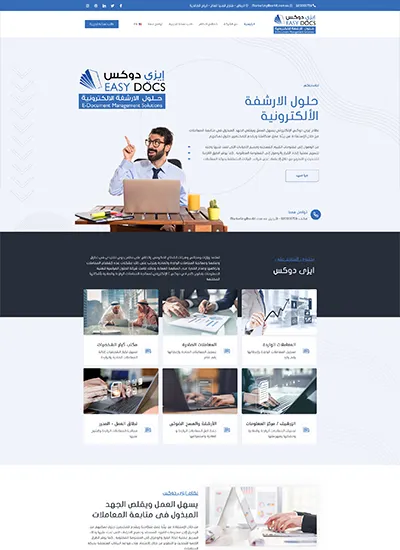
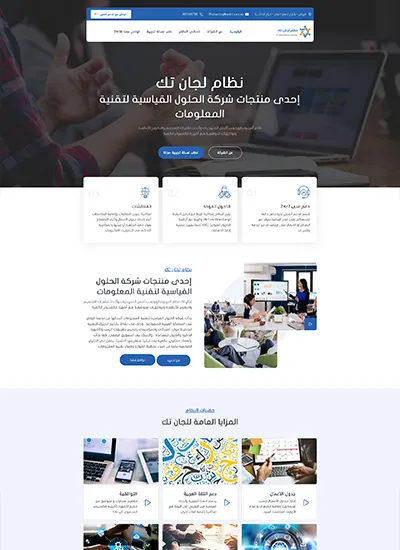
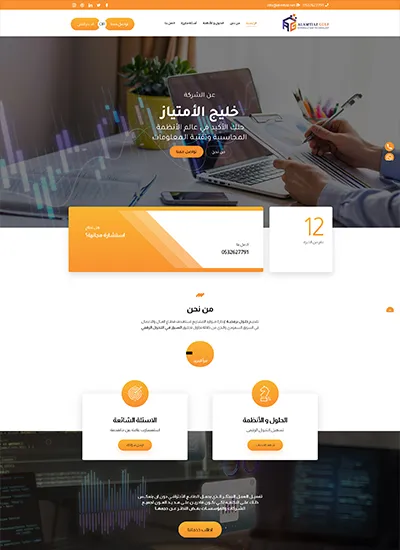
Real projects we delivered
FAQ
What happens if I don’t update the app?
Crashes may appear with new OS versions, some features may stop because external libraries or services change, and the app’s visibility or updates in the stores may be restricted if it doesn’t meet current targeting requirements.
How often should the app be updated?
It varies, but active apps usually ship small updates every few weeks and a bigger update several times a year, plus urgent updates for crashes and security.
Can another provider maintain an app it didn’t build?
Yes, if the source code is available, documented and built with widespread technologies. That’s why you should own the code and have access to every account and server.
Sources

Written from 20+ years designing websites and identities for clients in Saudi Arabia and Egypt — every tip here comes from real projects.
Want this applied to your project?
Book a free consultation — we will review your site or brand and propose a clear plan.
Book a free consultation