- Separate each language in a clear URL: / for Arabic and /en/ for English, for example.
- Every page should link to its counterpart through hreflang and a switcher that keeps the same page.
- Write English content for its audience (localisation), not a literal translation.
- Design with CSS logical properties so the interface works in both directions.
- Keywords differ between the two languages; research each language separately.
A Saudi company dealing with foreign suppliers, an Egyptian company targeting the Gulf, or an organisation serving residents of many nationalities — all of them need a website in Arabic and English. But most bilingual sites we review have problems: an incomplete English version, a language button that sends you back to the home page, or a broken English layout. This is our guide to doing it properly.
1. Decide the URL structure
| Option | Example | Assessment |
|---|---|---|
| Subfolder | example.com/en/ | Best for most companies: simple, and consolidates the domain’s strength |
| Subdomain | en.example.com | Acceptable, but sometimes treated as a separate site |
| Different domain | example.sa and example.com | For large companies with entirely separate markets |
| URL parameter | ?lang=en | Not recommended for SEO |
On this website we chose: Arabic with no prefix because it’s the primary language, and English under /en/.
2. Link the corresponding pages
- Every Arabic page has an English counterpart linked to it.
- The language switcher goes to the same corresponding page, not to the home page.
hreflangtags tell Google about the relationship (Polylang adds them automatically).- Each version has its own title and description in its language.
3. Designing for two directions
The interface mirrors completely in English: menus, arrows and text alignment. Use CSS logical properties (inline-start instead of left), and review elements that don’t mirror, such as numbers and logos. Watch the images too: if they were designed with text on the right and empty space on the left, English text needs special treatment. Read the rules of Arabic user experience.
4. Content: localisation, not translation
The English audience (a foreign investor, an international procurement manager) sometimes needs different information: international certifications, experience working with foreign companies, payment methods. And Arabic marketing phrases don’t work when translated literally. Better:
- Write the core Arabic content.
- Write the English version for its meaning and goals, not its words.
- Have it reviewed by a native speaker or a professional writer.
5. SEO for each language
Keywords don’t translate: what a client searches for in Arabic may correspond in English to “web design agency Riyadh”. Research each language’s keywords separately. Read the guide to Arabic keyword research.
6. The details that make the difference
- Date and currency formats by language.
- Translated contact forms and error messages.
- Automatic emails in the sender’s language.
- Structured data in the page’s language.
- A sitemap covering both versions.
7. Who manages the content in both languages?
The biggest challenge of bilingual sites isn’t the launch but keeping it up. After a few months the Arabic version is updated with new projects and articles while the English has stood still since launch — or the reverse. So decide from the start: who writes the English content? Is every Arabic article translated, or only some? What delay between publishing the two versions is acceptable? Make the content management system link corresponding pages and show clearly which pages don’t have a translation yet. A smaller but up-to-date and accurate English version is better than a complete one that is half out of date.
8. Identity and images in both languages
Designing in both directions means more than flipping the page. Images with a subject on one side and text on the other may need a version with a mirrored composition for English, so the text doesn’t fall on the subject — while taking care never to flip any image that contains text or a logo. Directional icons mirror; the logo stays as it is. Ideally the logo has an Arabic version and an English version, or one unified bilingual version, each used in its place.
9. Common mistakes on bilingual sites
- Machine translation without review: clumsy sentences hurt trust more than having no English version.
- A language button that returns to the home page: instead of taking the visitor to the same page in the other language.
- Mixing both languages on one page: menus in Arabic and buttons in English.
- No hreflang: so Google shows searchers the wrong version.
- Forms that work in one language: Arabic error and confirmation messages on the English page.
- Structured data in one language: the organisation and service descriptions should be in each page’s language.
10. Do you really need an English version?
Not every company needs a bilingual site. If all your clients and partners are Arab and work in Arabic, invest in a strong Arabic version first. But if you deal with multinationals, foreign investors or international consultants, bid for tenders with English documents, or target markets outside the region, the English version becomes a necessity rather than an option. In Saudi Arabia in particular, many buyers at large companies read in English at work, so we recommend it for most B2B companies. Read entering the Saudi market.
11. Measurement for each language
Track each version’s performance separately in Google Analytics and Search Console: who visits the English version? From which countries? Which pages are most visited? Does it generate requests? This data decides whether investing in English content is worth expanding, and which services deserve deeper English content.
12. Cost and timeline
A bilingual site doesn’t cost twice as much as a single-language one, because design, development and structure are mostly shared. What roughly doubles is the content and its review, some direction-specific design work, testing pages in both languages, and setting up SEO for each language. In the timeline, allow enough time for translation and language review, because that’s usually the stage that runs late. The practical advice: launch the core pages in both languages together, then add English articles and projects gradually, rather than delaying the whole launch until every translation is complete.
13. Our experience
Our own website is built in Arabic and English on WordPress with corresponding pages linked, as are many of our clients’ sites in Saudi Arabia. In our experience since 2005, what makes a bilingual site succeed isn’t the technology but the commitment to updating both versions, and treating English as a real audience with its own needs and questions — not a formality. See our work.
14. A practical launch plan
- Decide which core pages must be in both languages on launch day.
- Write the Arabic content first if the main audience is Arabic, then localise it for English with a capable reviewer.
- Design the pages in both directions and test them on mobile.
- Link corresponding pages, and set up hreflang and structured data for each language.
- Prepare forms, confirmation messages and automatic emails in both languages.
- Launch, then track each language’s performance for three months and expand content based on the data.
15. Answer engines and AI in both languages
Answer engines and AI assistants reply to users in their language and rely on the content available in that language. A site that provides clear answers in Arabic and English about its services, region and expertise increases its chances of appearing in these answers in both cases. Make the FAQ page, structured data and llms.txt file available in both languages, and write answers in direct sentences that can be quoted. Read SEO, AEO and GEO.
16. A note on names and brands
Decide how the company name and the names of services and products are written in English, and stick to it on the website, in email, on social media and in documents. A name written three different ways weakens brand recognition and scatters search results.
The golden rule: treat each language as if it were its audience’s only website, with the same care, updates and quality.
17. The practical summary
Deciding the URL structure, linking corresponding pages, designing in both directions, localising rather than translating, SEO for each language, and continuously updating both versions: six pillars of a successful bilingual website.
The bottom line
A successful bilingual website is two integrated sites in one system: a clear URL structure, linked pages, a design that works in both directions, and content written for each audience. Explore our website design service or discuss your project with us.
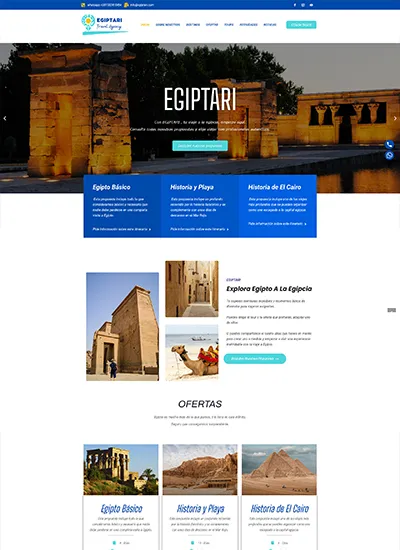
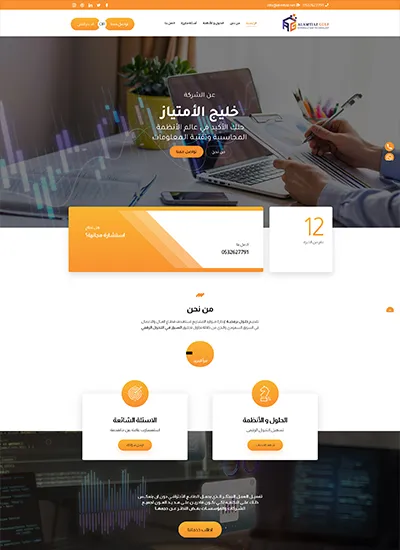
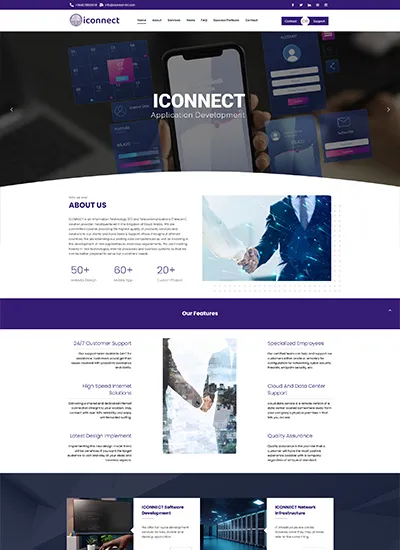
Real projects we delivered
FAQ
Is machine translation enough?
Only as a first draft. Marketing content and core pages need human review for accuracy, tone and SEO.
What’s the best plugin for a bilingual WordPress site?
Polylang and WPML are the most common. We use Polylang on many projects for its lightness and efficiency, as on this website.
Will Google treat the two versions as duplicate content?
No, if they are in different languages and correctly linked through hreflang.
Sources

Written from 20+ years designing websites and identities for clients in Saudi Arabia and Egypt — every tip here comes from real projects.
Want this applied to your project?
Book a free consultation — we will review your site or brand and propose a clear plan.
Book a free consultation