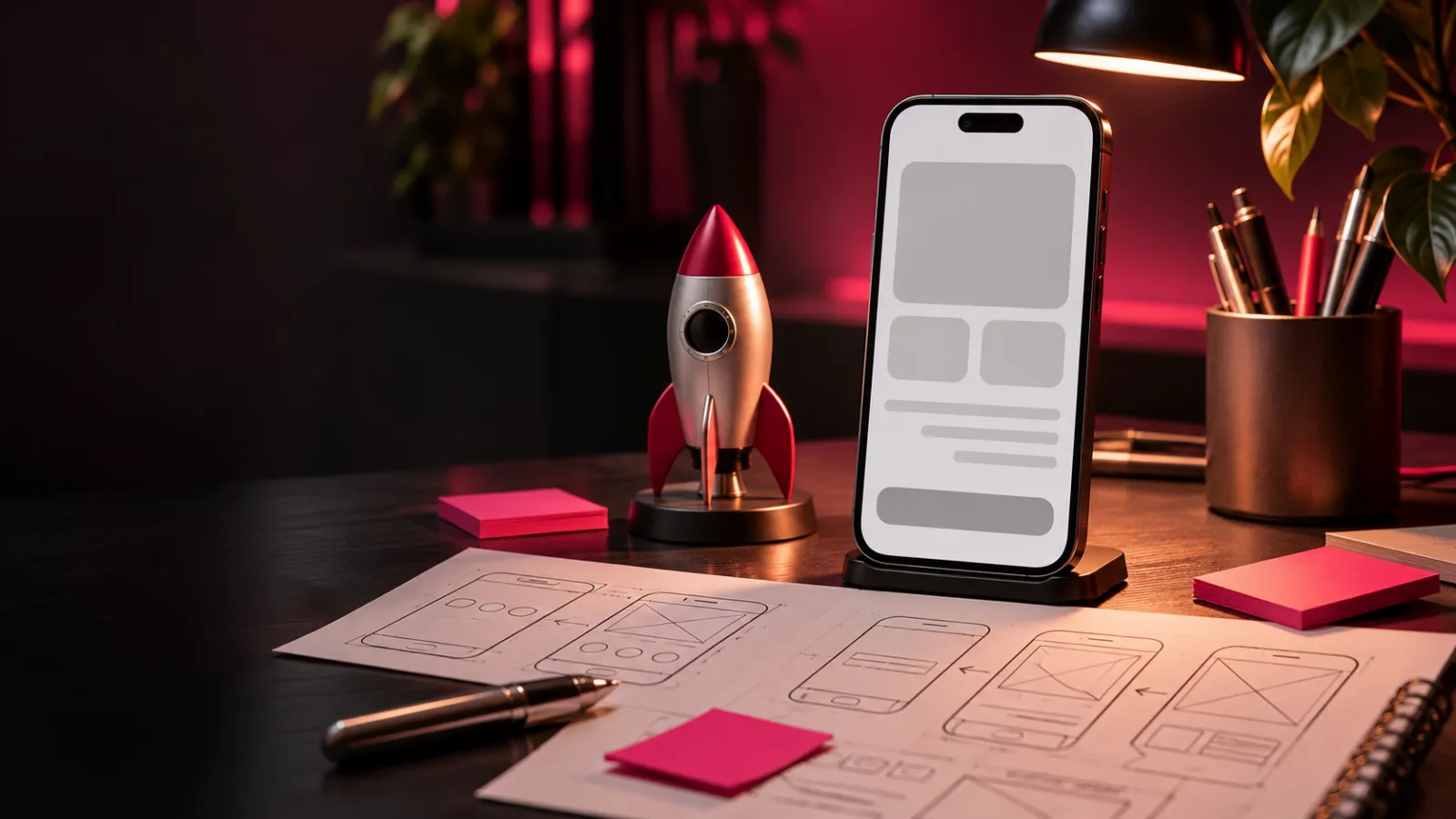
- ASO means optimising the name, keywords, screenshots and ratings so the app appears and gets downloaded more.
- Your easiest users are your existing clients — start with them.
- Your website, social media and WhatsApp are free download channels if used smartly.
- Retention matters more than downloads; measure return after a day, a week and a month.
- Notifications are powerful when useful and personal, and annoying when generic and frequent.
A beautiful app, professionally built, passed Apple’s and Google’s review and published. Then… only a few dozen downloads in the first month, most of them from the team and their relatives. This scene is more common than business owners imagine, because the two stores contain millions of apps and nobody searches for an app they don’t know exists. An app needs a reach plan just as it needed a development plan.
In this article we explain how to get people to find your app, download it and keep using it — as we plan it with clients of our mobile app service before launch, not after.
The funnel: from visibility to repeat use
| Stage | The question | Improvement tools |
|---|---|---|
| Discovery | Do people see your app? | ASO, the website, social media, ads, your existing clients |
| Store page visit | Does what they see convince them? | The icon, screenshots, description, ratings |
| Download | Do they tap “Install”? | A persuasive page, a reasonable size, trust |
| Activation | Do they finish sign-up and the first task? | An easy first experience, fast sign-up |
| Retention | Do they come back? | Recurring value, useful notifications, improvements |
| Referral | Do they invite others? | An excellent experience, referral programmes |
ASO: optimising visibility in the store
App Store Optimisation is the app equivalent of SEO for websites, and it focuses on two things: making your app appear when people search, and persuading them to download it when they see its page.
Visibility elements
- App name: the brand name with a word describing the function where possible, such as “Brand: Maintenance Booking”.
- Subtitle (iOS) and short description (Android): words your audience searches for, phrased naturally.
- Keyword field (App Store): additional words not repeated in the name.
- Full description (Google Play): it affects visibility on Google Play, so write it with real search terms, without stuffing.
- Category: choose the most suitable, and the less crowded one where appropriate.
- Localisation: a polished Arabic page for Arab markets, not a machine translation.
Persuasion elements
- Icon: simple, distinctive, in your brand colours, recognisable among competitors’ icons.
- Screenshots: not raw captures of the app but designs that tell the benefits: each with a short headline highlighting a feature. The first two are the most important because they appear in search results.
- Preview video: a quick demonstration of the app in use.
- Ratings: the average rating and number of ratings are among the strongest conversion and visibility factors.
Both stores let you test different versions of the product page (such as alternative icons or screenshots) to see which performs best; use this once you have enough traffic.
Your first thousand users: where from?
1. Your existing clients
If you have a client base, this is the easiest and cheapest channel. Tell them via email, WhatsApp, invoices and points of sale, and give them a reason to download: a discount on their first order through the app, an exclusive feature, or easier follow-up. Read WhatsApp marketing.
2. Your website
Add the official download badges to the website, a smart banner suggesting the app to mobile visitors, and a dedicated app page that explains its benefits and appears in search. On iOS you can use Smart App Banners in Safari. Make links on the website open the right screen in the app if it’s installed.
3. Social media
Short videos showing the app solving a real problem work better than “Download our app now” designs. Read reels and short video.
4. Ads
Apple Search Ads show your app to people searching specific words inside the App Store; Google’s app campaigns show it across Search, Google Play, YouTube and more; and Meta, Snapchat and TikTok offer app-install ads. Start them after you’re sure the app retains users, or you’ll pay to acquire users who delete it. Read the paid ads guide.
5. Partnerships and referrals
Partners serving the same audience, a referral programme that rewards users who invite others, and a presence at events related to your sector.
The first experience: the moment of truth
A large share of users decide within the first minutes whether to keep the app or delete it. So:
- Shorten sign-up: a mobile number and verification code, or Sign in with Apple and Google.
- Allow browsing before sign-up where possible.
- Get the user to real value quickly (the first booking, the first order).
- Don’t ask for every permission at the start; ask for each one when it’s needed, with an explanation.
- Avoid long onboarding screens.
Read designing the user experience of Arabic apps.
Notifications: a double-edged sword
Notifications are among the most powerful retention tools — and among the fastest reasons for deletion when misused. A good notification is useful (order status, an appointment reminder), personal (based on the user’s behaviour), well timed and reasonably frequent. A bad notification is a generic offer sent to everyone every day. Give users control over which types of notification they want.
The real success indicators
| Indicator | What it means |
|---|---|
| Store page conversion rate | The share of page visitors who download the app |
| Activation rate | The share who complete sign-up and the first task |
| Retention after 1, 7 and 30 days | How many users come back? The most important indicator of an app’s health |
| Daily and monthly active users | The volume of actual usage |
| User acquisition cost | For paid campaigns |
| Rating and crash rate | The quality of the experience |
If downloads are high and retention is weak, the problem is the product or the first experience, not the marketing. Fix it before increasing spend.
A suggested plan for the first ninety days
Two weeks before launch: prepare the store page in both languages, an app page on your website, two short videos showing the app, a message for existing clients, and complete a closed test with a small group that gives you honest first feedback and ratings. In launch week: announce to existing clients via email, WhatsApp and social media with a clear incentive for first use, and monitor crashes and ratings daily and reply to them. In the first month: analyse where users stop in sign-up and the first task, and release an update fixing the two biggest problems. In the second month: if 7-day retention is acceptable, start ads on a small test budget and try an alternative version of the store screenshots. In the third month: scale what worked, launch a simple referral programme if users are satisfied, and evaluate honestly: are the numbers heading towards your goals?
This plan isn’t a rigid template, but it prevents the most common mistake: spending the whole marketing budget in launch week on an app whose first experience hasn’t been tested yet.
Seasons and occasions
Both stores let you highlight in-app events and seasonal offers on the store page. Use Ramadan, the Eids, National Day and your sector’s seasons with real content and offers inside the app; these events appear to users in search and recommendations and reactivate those who stopped using the app. Plan them in your content calendar just as you plan social media posts.
Managing ratings and reviews
Ratings aren’t just stars; they are a public opinion every visitor to your page reads. Ask for a rating through the official prompts on iOS and Android at a moment of success, not when the app opens. Reply to negative reviews kindly, offer the solution, and update reviewers when you fix a problem they mentioned. Treat reviews as a free source of improvement ideas: if a complaint repeats, it’s a priority for the next update.
The bottom line
A successful app needs a reach plan: an optimised store page (ASO), converting existing clients, the website and social media as download channels, ads once retention is proven, an easy first experience, useful notifications, and measuring retention — not just downloads. We plan all of this alongside development in our mobile app service. Read publishing in the stores, or get in touch.
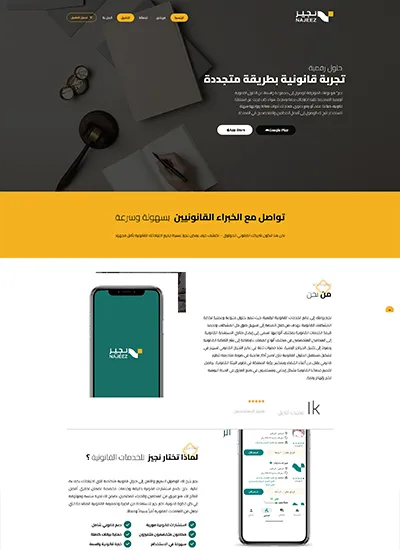
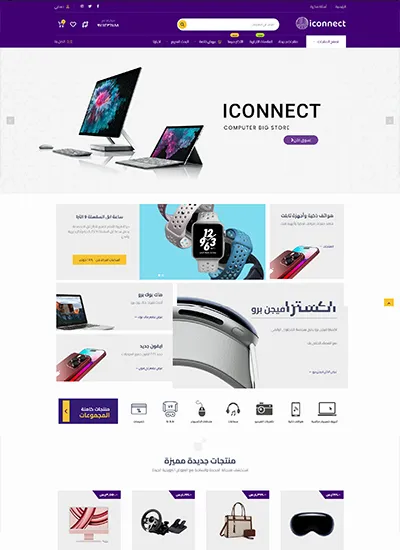
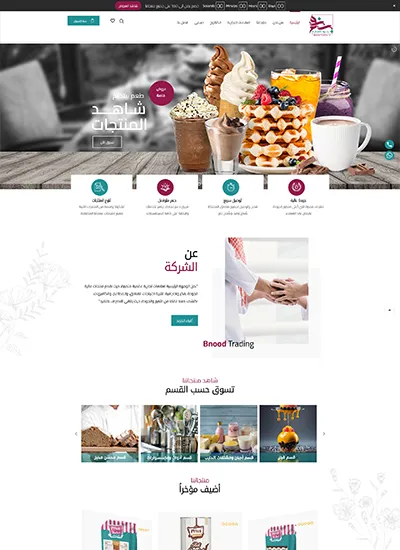
Real projects we delivered
FAQ
What’s the difference between ASO and SEO?
SEO improves a website’s visibility in search engines; ASO improves an app’s visibility in App Store and Google Play search and increases the conversion of visitors into downloaders.
How do I get positive ratings?
Deliver a good experience first, then ask for a rating at a moment of satisfaction (after a successful order) using the official rating prompts on both systems, and reply to reviews respectfully.
Do I need ads to market the app?
Not always at the start if you have a client base. But store and social ads accelerate growth once you’ve proven the app retains users.
Sources

Written from 20+ years designing websites and identities for clients in Saudi Arabia and Egypt — every tip here comes from real projects.
Want this applied to your project?
Book a free consultation — we will review your site or brand and propose a clear plan.
Book a free consultation