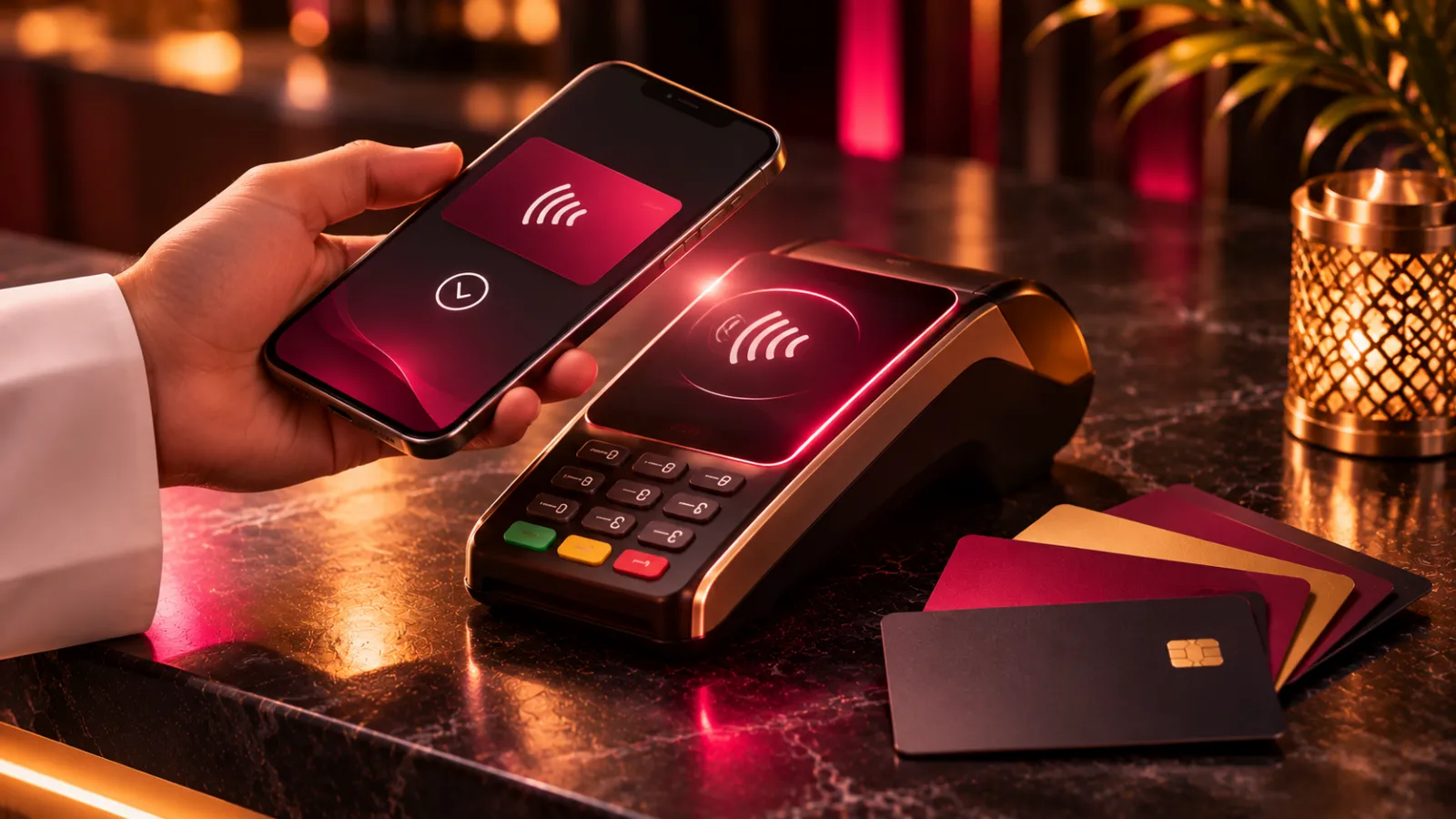
- Shoppers in Saudi Arabia expect mada and Apple Pay at a minimum, plus credit cards for larger purchases.
- “Buy now, pay later” options raise average order value in many sectors.
- Compare gateways on payment methods, per-transaction fees, settlement time, ease of integration and support.
- The gateway must be licensed and compliant with card security standards.
- Checkout: few steps, guest checkout, and clarity on fees and shipping.
You design a beautiful store, bring in visitors with ads, and a customer adds a product to the basket… then leaves because their preferred payment method isn’t there, or because the checkout is long and confusing. The payment gateway and the checkout experience are your store’s till, and they deserve the same attention you give the design.
The payment methods Saudi shoppers expect
| Method | Why it matters | Notes |
|---|---|---|
| mada | The most widely used debit card locally | Essential for any Saudi store |
| Apple Pay | One-touch payment from the phone, very fast | Clearly lifts conversion on iPhone |
| Visa and Mastercard | Larger purchases and buyers from outside the Kingdom | With 3-D Secure verification |
| Buy now, pay later (such as Tabby and Tamara) | Interest-free instalments for the buyer | Raises average order value, with a higher commission for the merchant |
| STC Pay and wallets | Preferred by a segment of users | Depends on your audience |
| Cash on delivery | For those who don’t yet trust online payment | Higher cost and returns |
How do you choose a payment gateway?
- Supported methods: does it support mada, Apple Pay and cards together?
- Licensing and security: a licensed gateway compliant with PCI DSS.
- Fees: a percentage per transaction + a fixed fee + any set-up or subscription fees.
- Settlement time: when does the money reach your bank account?
- Integration: does it have an official plugin for WooCommerce or your platform?
- Checkout experience: on your site, or a redirect to an external page?
- Refunds and disputes: how easy is it to refund a customer?
- Technical support in Arabic, and how quickly it responds.
Integration steps on WooCommerce
- Open a merchant account with the gateway and submit your documents.
- Install the gateway’s official plugin.
- Enter the API keys (test environment first).
- Enable Apple Pay and verify your domain.
- Run test transactions: success, decline, refund.
- Switch to live mode and monitor the first transactions.
Checkout mistakes that push up basket abandonment
- Forcing customers to create an account before paying.
- Surprise shipping charges at the final step.
- Lots of unnecessary fields.
- No payment method logos or security badges.
- A slow page, or one that isn’t mobile-friendly.
Read the full guide: how to reduce abandoned baskets.
Instalments: “buy now, pay later”
Interest-free instalment services have become a core part of ecommerce in Saudi Arabia, especially in electronics, furniture, fashion and high-value products. They let the customer split the amount into payments, while the merchant receives the money according to the provider’s terms in return for a commission. The benefits: higher conversion and higher average order value. But factor the commission into your margin, and show the instalment option clearly on the product page, not only at checkout, because seeing the monthly instalment early may be what persuades the customer to add the product to the basket.
Cash on delivery: should you offer it?
Cash on delivery is still in demand among a segment of buyers, especially with new stores they don’t yet trust. But it has costs: a higher share of orders refused at the door, collection fees from the courier, and slower access to your money. Middle-ground options: offer it above a certain amount or in specific cities, add a small extra fee, or give a small incentive for paying online in advance. Track the refusal rate monthly to decide.
Payment security
Never store card data in your store. Approved gateways provide secure payment pages or forms that handle the card directly, while your store only receives confirmation of the transaction. Enable the 3-D Secure verification banks require, protect your store’s dashboard with two-factor authentication, and watch for suspicious orders (odd addresses, repeated attempts with different cards). Read securing WordPress.
Settlements and accounting
Before choosing a gateway, understand the settlement cycle: when does the money reach your bank? What are the fees for each method? Are there monthly or refund fees? How are reports issued, and do they connect to your accounting system? These details affect a store’s cash flow more than many people expect, especially during sales seasons.
From our work
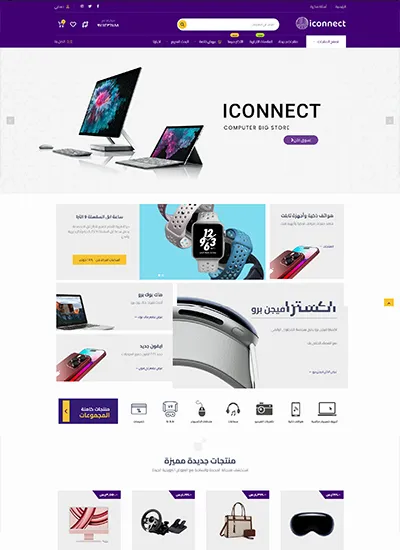
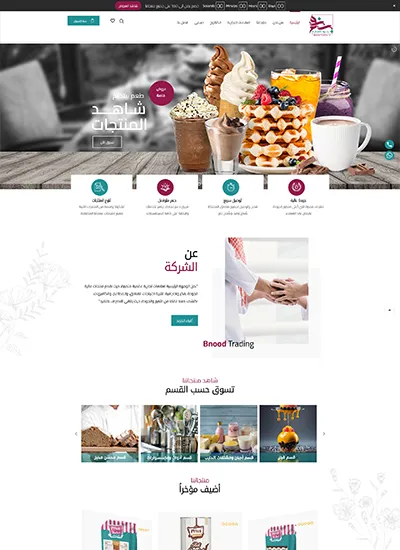
We integrate Saudi and Egyptian payment gateways in the stores we build, as with Bnood and iConnect Store, and we test the whole payment journey on mobile before launch. Details of the supported gateways are on our online stores page.
The checkout experience on mobile
Most purchases happen on a phone, and checkout is where many customers abandon their baskets. Keep it simple: fast payment options such as Apple Pay at the top for iPhone users, card fields with a numeric keypad and automatic formatting, no forced account creation before purchase, and the final total including shipping and VAT shown before the customer taps “Pay”. Every second of delay in loading the checkout or the gateway redirect increases the chance they’ll back out. Read reducing basket abandonment.
Trust signals at checkout
Near the payment button, show the logos of accepted payment methods, a note that payment is secure and encrypted, links to the returns and shipping policies, and a phone number or WhatsApp for help. These small elements ease anxiety at the most sensitive moment, especially with customers buying from you for the first time.
When payment fails
Payments fail for many reasons: insufficient funds, a bank decline, an input error, a dropped connection. Don’t leave the customer facing a vague message. Explain the reason if possible, save their basket, suggest an alternative method and send a gentle reminder to complete the order. Many “lost” orders can be recovered with this simple follow-up.
E-invoicing and VAT
Stores in Saudi Arabia must meet VAT and e-invoicing requirements as set by the Zakat, Tax and Customs Authority, according to the implementation phases and the size of the business. Make sure your platform issues compliant invoices, that displayed prices make clear whether VAT is included, and that the invoice reaches the customer after payment. This isn’t just an accounting detail; customers and businesses buying from you need the correct invoice. Read the E-Commerce Law.
Testing the payment journey before launch
Before opening the store, place test orders with every available payment method on different devices — iPhone, Android and desktop — and try failure and refund scenarios. Check that the confirmation message and invoice arrive, that the order appears in the dashboard with the correct status, and that the amount arrives in the settlement. An hour of testing prevents weeks of complaints.
A payment gateway checklist
- Supports mada, Visa, Mastercard and Apple Pay.
- Compatible with your store platform through an official, up-to-date plugin.
- Clear fees and a known settlement period.
- Supports partial and full refunds from the dashboard.
- Technical support that answers in Arabic during working hours.
Payment gateways in Egypt
If you also sell in Egypt, the expected methods differ: local cards such as Meeza, mobile wallets, payment at collection outlets, and cash on delivery, which is still widespread. Choose a gateway that supports these methods and integrates with your platform, and watch for currency and settlement differences if you run one store for both markets. Details of the gateways in both countries are on our online stores service page.
The practical summary: several payment methods customers trust, a fast and clear checkout, a reliable gateway that integrates with your platform, correct invoices and thorough testing before launch. Every step you remove from the payment journey, and every trusted method you add, turns directly into completed orders. Start with the essentials and add methods as the store grows.
The bottom line
Offer the methods your audience expects, choose a licensed gateway with clear fees, and make checkout as short as possible. Also read how to start a store in Saudi Arabia and our shipping guide.
Real projects we delivered

FAQ
What documents are needed to open a payment gateway account?
It varies by gateway, but usually includes a commercial registration or freelance document, ID, a bank account, and a store link showing your policies and contact details.
Is cash on delivery still important?
In some sectors and cities, yes, but it increases returns and costs; many stores offer it with an extra fee or reduce it gradually as trust grows.
Can I connect more than one payment gateway?
Yes. Some stores use one gateway for cards and mada and another for deferred payment, as long as the checkout experience stays clear and uncluttered.
Sources

Written from 20+ years designing websites and identities for clients in Saudi Arabia and Egypt — every tip here comes from real projects.
Want this applied to your project?
Book a free consultation — we will review your site or brand and propose a clear plan.
Book a free consultation