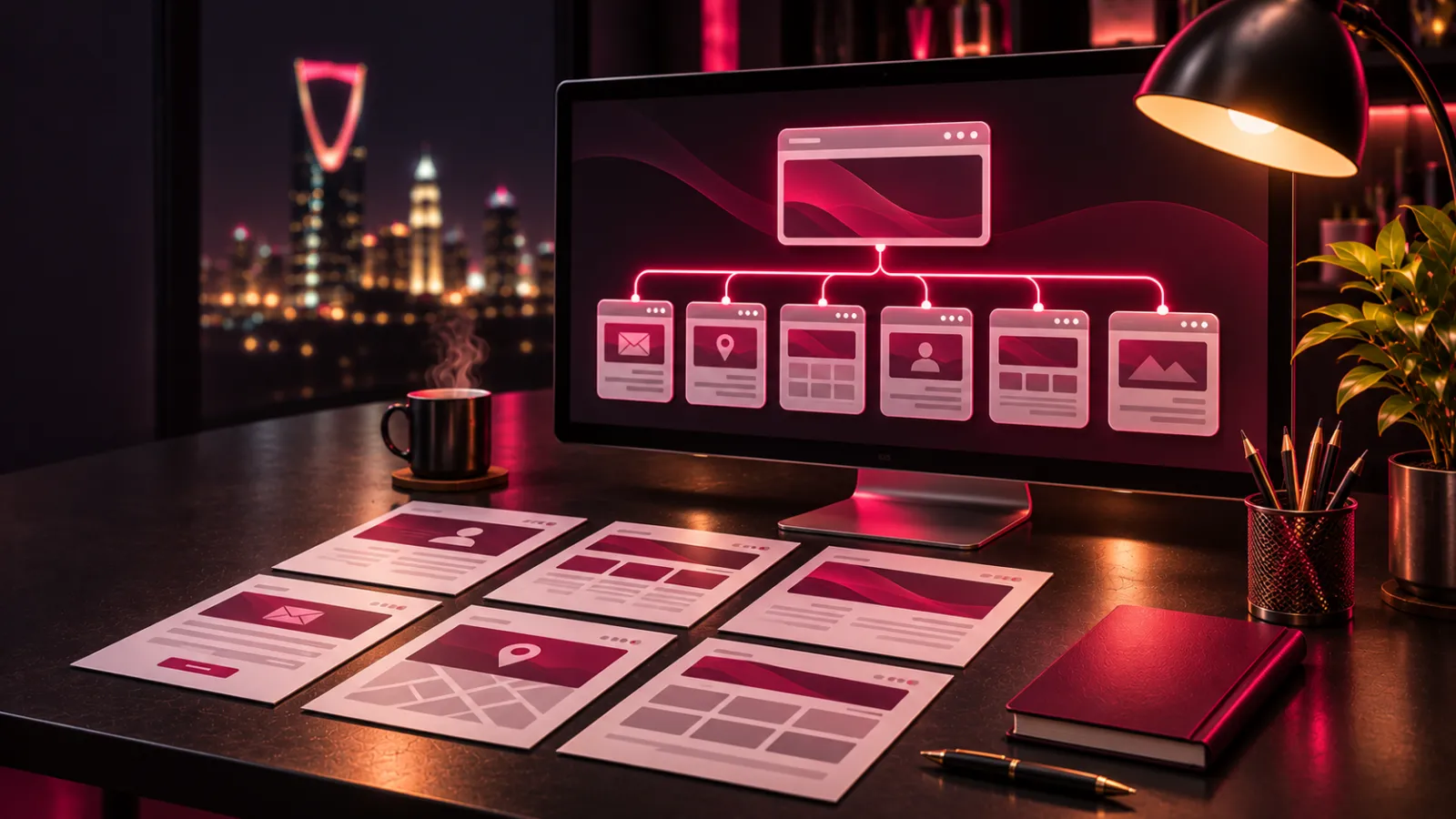
- A separate page for each main service matters more than one long “Our services” page.
- The work/clients page is the most persuasive page on a services website.
- Every page needs one clear goal and a call to action.
- The contact page should be the easiest page on the site: WhatsApp, phone, a short form and a map.
- Trust pages (privacy, FAQ) support both SEO and conversion.
When we start planning a company website, the first thing we draw is not the design but the list of pages. A site with the wrong pages — however beautiful — doesn’t answer the client’s questions and doesn’t show up in search. These ten pages are the structure we build most company websites on.
1. The home page
It is not a place for everything; it is a “routing gateway”. On the first screen the visitor must understand who you are, what you offer, for whom, and how to get in touch. Then come sections leading to the service pages, social proof (client logos, figures) and a clear call to action.
- A main headline that describes the value, not the slogan.
- A contact button visible without scrolling, especially on mobile.
- Real figures: years of experience, number of projects.
2. About us
One of the most visited pages on services websites, because clients want to know who they’ll be dealing with. Write the story, the experience, the team and the values, and add real photos. Avoid generic phrases such as “we are the best”.
3. A page for each main service
These are the most important SEO pages. A “website design” page separate from “visual identity design”, each targeting its own keywords and answering: what does the service include, for whom, how does it work, examples, frequent questions? As on our own website design and visual identity pages.
4. The services page (index)
A short overview leading to the detailed service pages, useful for navigation and for SEO as a hub page.
5. Work / clients / projects
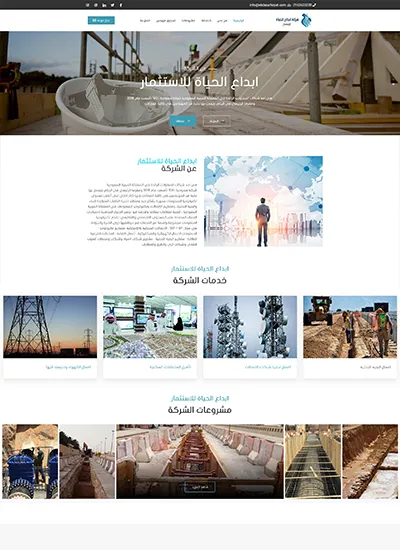
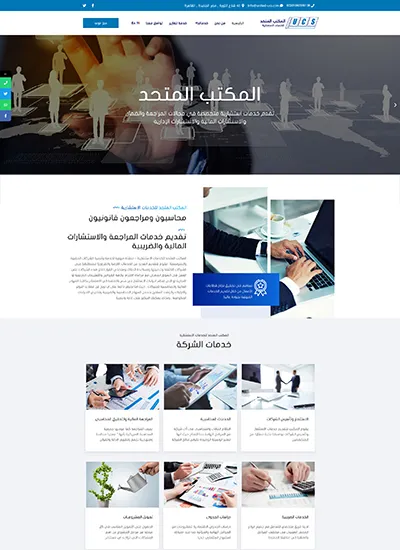
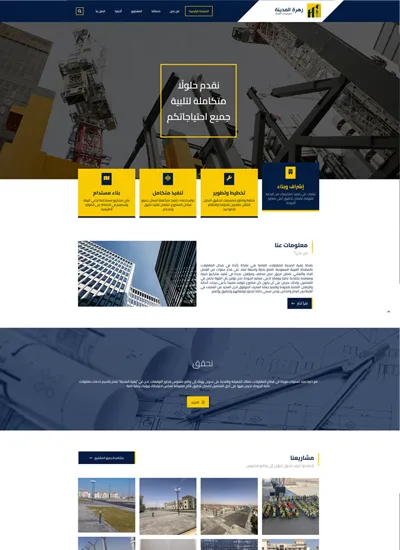
The most persuasive page. Ideally a page per project telling the story: the client, the challenge, the solution and the result, with real images. That’s how we built our client pages — every client has its own page that appears in search under its name.
6. FAQ
It answers objections before they are raised (price, duration, guarantee, remote work) and appears often in AI answer engines. Read the difference between SEO, AEO and GEO.
7. Contact us
The easiest page on the site: tappable WhatsApp and call buttons, a short form (3–5 fields), the address and map, working hours, and what will happen after submitting.
8. The blog
The long-term traffic engine. Each article answers a question your clients search for and links it to a service page — exactly like this article.
9. Privacy policy and terms
Necessary if you collect data, and increasingly important with data-protection laws in Saudi Arabia and Egypt. It is also a trust signal for visitors and for Google.
10. The thank-you page
After the form is submitted: confirm receipt, explain the next step, and suggest content or work to browse. It is also the best place to measure conversions.
Extra pages depending on your business
| Business | Suggested pages |
|---|---|
| Contracting | Completed projects, certificates and classification, equipment, clients |
| Medical | Doctors, departments, appointment booking, insurers |
| Non-profits | Programmes, donations, governance and reports, volunteering |
| Technology | Products, pricing, integrations, support |
| Consulting | Sectors, case studies, the team |
How to order these pages in the menu
Having the pages is not enough; their order in the main menu decides how easy they are to reach. The rule: no more than six or seven items in the main menu, with the most important first according to what clients look for — not according to your company’s org chart. A common, successful order: Home, About, Services (with a dropdown for sub-services), Work or Projects, Blog, Contact, plus a prominent button such as “Request a quote” in a distinctive colour. On mobile, keep the contact or WhatsApp button always visible without opening the menu.
In the footer, place the secondary links: FAQ, privacy policy, terms, careers, social accounts, full contact details and the address. A good footer catches the visitor who reached the end of the page without finding what they wanted.
Landing pages: don’t mix them with site pages
If you advertise a specific service on Google or social media, it is better to create a dedicated campaign landing page than to send visitors to the home page. A landing page focuses on one offer and one goal, with no menu to distract the visitor, and a short form or WhatsApp button. It can be hidden from the main menu because it serves the campaign only. Read landing pages and conversion.
How to write the content of each page
Every page has one main question it must answer quickly. Home: “Does this company offer what I need, and why should I trust it?”. About: “Who are these people, since when, and what sets them apart?”. Service page: “What exactly do I get, how does the service work, and what’s the next step?”. Work: “Have they done something like my project?”. Contact: “What’s the fastest way to reach them?”. When each section is written to answer its question, the site becomes clear and persuasive — and it also shows up in search and answer engines, because the content is built on real questions. Read website copywriting and SEO, AEO and GEO.
Common mistakes in page structure
- One services page that crams every service into short paragraphs, so no service ranks in search.
- An “About” page full of generic phrases with no history, figures or team.
- A portfolio of images only, with no description or context.
- A contact page with a very long form and no phone number or WhatsApp.
- No privacy policy despite forms that collect data.
- Old, forgotten pages still showing in Google with wrong information.
Pages and SEO: every page is a chance to rank
Every page on your site can rank for a different phrase. A service page for “visual identity design for contracting companies” can appear for people searching exactly that, while a single generic services page won’t rank strongly for any of them. So page structure is an SEO decision as much as a design decision: a page for each main service, a page for each city you serve if you have genuinely different content for it, a page for each important project, and articles that answer clients’ questions and link to the service pages. Every page needs a unique title, a unique description and a clear, readable URL. Read the SEO guide and Arabic keyword research.
Add the right structured data to each page type: organisation data on the home page, Service on service pages, FAQ on the FAQ page and Article on the blog. This data helps Google and answer engines understand your site and show it more richly. Read the Schema guide.
Example: the structure of a mid-sized services company site
A company offering three services in Riyadh and Jeddah: Home, About (with team and certificates), Services (index) and three detailed service pages, Projects (index with filters) with a page per project, two city pages with content and projects specific to each, Blog, FAQ, Contact, a thank-you page after the form, and Privacy and Terms. About fifteen core pages that grow with projects and articles, all connected by logical internal links.
When do you need extra pages?
As the company grows, new pages become necessary: a careers page when you start expanding, a partners page when partnerships multiply, a pricing or packages page if your services can be priced clearly, and a certificates and accreditations page as they accumulate. Add them when you have real content for them, not just to fill the menu. An empty or weak page does more harm than its absence.
The bottom line
Start with these ten pages, and give each page one clear goal. To see how we write their content, read writing website copy, or let’s plan your website together.
Real projects we delivered
FAQ
How many pages does a company website need?
The practical minimum is 6–8 pages, but every main service deserves its own page, so a site can reach 15–25 pages without the blog.
Is a blog necessary?
Not for launch, but it is the strongest tool for attracting free traffic from Google over the long term.
Do I need a privacy policy?
Yes, if the site collects data through forms or analytics tools — and it is also a trust signal.
Sources

Written from 20+ years designing websites and identities for clients in Saudi Arabia and Egypt — every tip here comes from real projects.
Want this applied to your project?
Book a free consultation — we will review your site or brand and propose a clear plan.
Book a free consultation